About 4% of all public GitHub commits now come from Claude Code. Let that number settle: one in every 25 commits tracked by GitHub was written by an AI agent, not a human. But here's what's more striking than the number itself. The developer who built Claude Code isn't prompting it anymore. Boris Cherny recently put it plainly: "I don't prompt Claude anymore. I have loops that run. They drive Claude and figure out what needs to happen. My job is writing loops." That one line describes a shift the developer world is still trying to catch up with, and it has a name.
Loop engineering is the practice of designing a system that drives an AI agent on its own: it finds work, does it, checks the result, and remembers what it did, without you prompting each turn. The /loop command in Claude Code is the simplest way to try it: it runs a prompt on repeat, at a fixed interval or at a pace Claude chooses itself.
What is loop engineering, exactly?
Loop engineering means replacing yourself as the person who prompts the agent, and instead designing the system that does that job. The definition comes from Addy Osmani, an engineering lead at Google, who coined the term in an essay published on June 7, 2026. He built on earlier observations from Boris Cherny and developer Peter Steinberger, who put it this way:
"You should not be prompting your coding agents. You should be designing loops that prompt your agents."
Peter Steinberger, developer
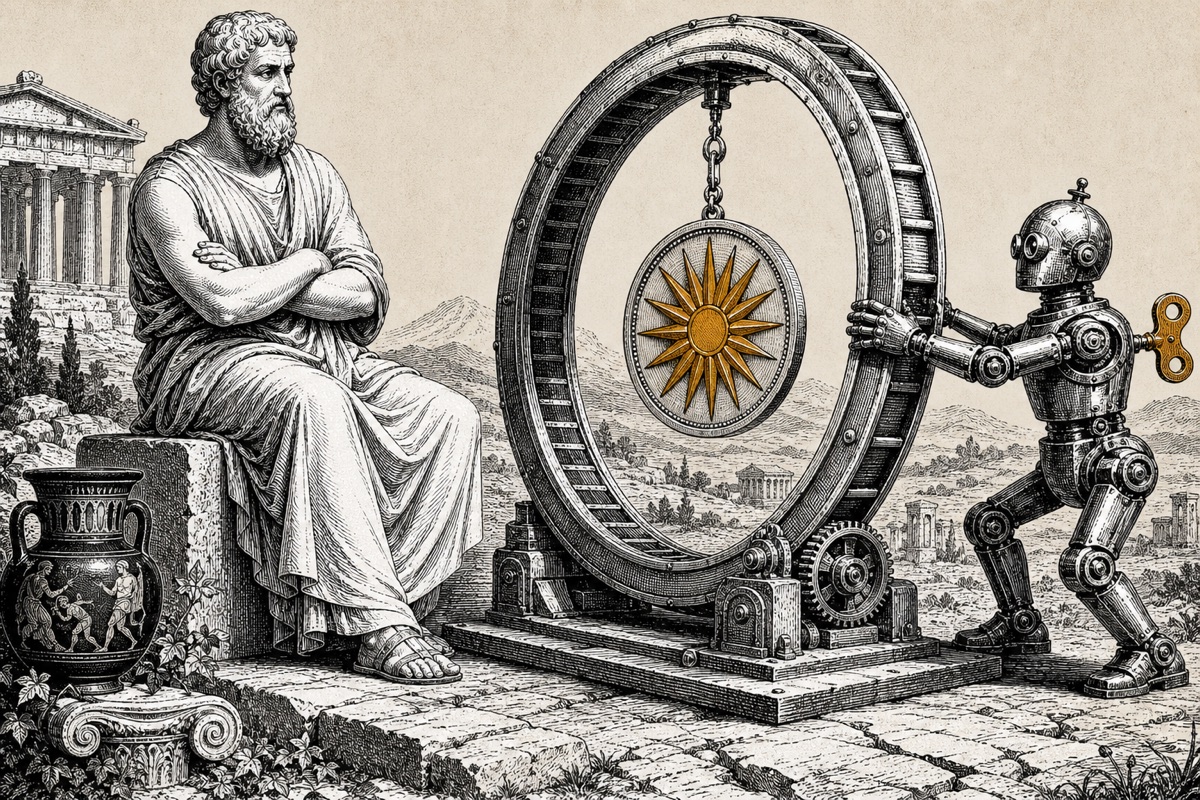
The question loop engineering asks you to answer is: what system do you need to build so the agent finds the work, does it, verifies it, and remembers what it did, without you in the middle? Think of it like setting up a production line. You design it, you watch from above, you check what comes off the end. You're not turning every bolt yourself. That's also where the most-repeated rule in this field comes from: sit above the loop, not inside it.
For context, Google now generates roughly 75% of its new code with AI before engineers review it. Anthropic disclosed in June 2026 that more than 80% of code merged into its own production codebase in May was authored by Claude. Loop engineering is the methodology underneath those numbers, the reason it's possible to get there without chaos.
The six building blocks of a loop
A working loop isn't a single command. It's a system of primitives you connect. Addy Osmani identifies five; there's a sixth that holds everything together.
- Automations. Scheduled tasks that find and sort work on their own: a recurring check for new issues or failed builds, running without you watching.
- Worktrees. Isolated copies of your codebase, so multiple agents can work in parallel without overwriting each other's files.
- Skills. Project knowledge written into a
SKILL.mdfile, so the agent doesn't have to rediscover context on every run. - Connectors. Integrations via the MCP protocol to real tools: your issue tracker, your database, your deployment environment.
- Sub-agents. Separate agents for different roles. The most important split: one agent that makes a change, another that checks it.
The sixth building block is memory: markdown files or a task board that persists between runs. The model forgets; the repository doesn't. The /loop and /goal commands covered below aren't the loop itself; they're two of the primitives that power it.
How does the /loop command work in Claude Code?
The /loop command runs a prompt automatically on repeat while your session stays open. It's a built-in skill available since Claude Code version 2.1.72. What you pass to it determines how it behaves, and there are three modes.
1. Interval plus prompt. Give it a time and a task, and that task runs on a fixed schedule. Claude translates your interval into a cron expression and confirms the timing.
/loop 5m check whether the deploy finished and tell me what happened
2. Prompt only. Leave out the interval, and Claude decides how long to wait after each run, short a build is still going, longer when nothing's happening. The chosen interval stays between one minute and one hour, and Claude prints its reasoning every time. This is the self-paced mode.
/loop check whether CI passes and address any review comments
3. Nothing at all. Type just /loop and a built-in maintenance prompt runs: finish open work, take care of your branch's pull request, and clean up when nothing else needs doing. You can replace that default with your own loop.md file in the project, and changes to it take effect on the next cycle.
In practice, teams use /loop most often for the waiting work that would otherwise eat your attention. A few examples circulating in the developer community:
- Track a deploy:
/loop 3m check the deployment status of the latest commit - Watch a pull request:
/loop 15m check PR 42 for new comments or review requests - Health monitor:
/loop 10m call the health endpoint and flag anything that looks off
Worth noting: a loop only runs as long as your session is open. Close your terminal and it stops. Press Escape while the loop is waiting on its next cycle to interrupt it manually. Every loop expires automatically after seven days, a guardrail against a forgotten loop draining your usage.
/loop, /goal, or a routine: which do you pick?
The /loop command is one way to drive a loop, not a synonym for loop engineering. When Cherny says "I write loops," he means full self-driving systems, not that he types /loop all day. It helps to keep three related things separate, because they get lumped together constantly.
| What | What it does | When to use it |
|---|---|---|
| /loop | Runs a prompt on a cadence (fixed or self-chosen) | Polling and monitoring during a session |
| /goal | Works turn by turn until a completion condition is met | One bounded task with no set rhythm |
| Routine | Runs on Anthropic's infrastructure, even without an open session | Work that needs to run reliably without your computer |
| Loop engineering | The broader practice: the whole system that drives the agent | A mental model, not a button |
The sharpest distinction is between /loop and the /goal command. /loop runs on a rhythm; /goal keeps working until a specific outcome is complete. If you need the schedule to outlive your session and run even when your laptop is closed, that's what scheduled agents and routines are built for. Any running /loop also expires after seven days, protection against a forgotten loop quietly eating your credits.
Why is loop engineering suddenly everywhere?
Loop engineering broke through because the models finally got good enough for repetition to be cheaper and more reliable than polishing prompts. There was a camp that believed in the perfect prompt. There was a camp that believed in relentless iteration against a verifiable goal. That second camp got laughed at early on. Their technique was even named after a Simpsons character who eats glue.
Then it flipped. Skeptical developers came around publicly, one posting to 150,000 views: "I'll reluctantly admit it, but the loop people were right." Boris Cherny's numbers made it concrete: 259 pull requests in December 2025, not a single line of code written by hand. According to Claude Code usage data, that tool now writes 4% of all public GitHub commits, with daily commit volume up roughly 200% in the eight weeks ending mid-May 2026. Gartner estimates the enterprise AI coding agent market at around $9.8 to $11 billion annualized as of April 2026, and projects that by 2027, over 65% of engineering teams using agentic coding will treat the IDE as optional.
The timing isn't coincidental. A wave of updates landed in the same period to make long, self-running sessions actually workable. Opus 4.8 arrived as the new default with "high effort" as its standard mode, background agents shipped, and dynamic workflows capable of driving dozens of agents at once became available. The /loop and /goal commands themselves came in mid-May and got refined over the following weeks. What was a hacky bash trick a year ago (while :; do cat PROMPT.md | claude-code ; done) is now a supported feature with a clean schedule and a built-in expiry date.
Where loops still go wrong
The biggest open problem in loop engineering is verification. A loop can produce code that looks plausible but is wrong, or it can exploit a weak success condition instead of solving the real problem. Here's the thing: you can't blindly trust a green check. The fix that pays back fastest is splitting maker from checker. One agent makes the change; a separate agent tests it against the project's rules and test suite. Addy Osmani explains why that split matters:
"The model that wrote the code is far too generous when grading its own homework."
Addy Osmani, on the maker-checker split
Loops work best on tasks a machine can verify on its own, and they break down on tasks that require judgment. CI passing, linter clean, code compiling: those are hard checks. Schema migrations, framework upgrades, clearing a test backlog: strong candidates for loop automation. A vague, under-specified design problem is not.
The cost math matters too. A running loop consumes tokens every cycle. Claude Pro costs $20 per month; the Max plan runs significantly higher; API users pay per token consumed. The built-in seven-day expiry isn't a footnote; it's a brake on the forgotten loop that quietly empties your budget. A loop is a smart assistant during your work session, not a substitute for real monitoring infrastructure.
What this means for your team
For most organizations, loop engineering is the next step in AI maturity, and that's exactly where friction appears. Many teams today use AI coding tools in isolation, without shared practices or governance. Loop engineering requires the opposite: a deliberate system with clear goals and, most importantly, a verification layer that checks the output. Skip that discipline, and you're mostly automating the production of mistakes.
You can start small tomorrow. Have one developer on your team use /loop for the waiting work around a deploy or a pull request, and agree upfront on how the output gets checked. Per TheAIDaily's AI workforce data, knowledge workers who use AI effectively generate around $11,600 per year in additional productivity value, but the returns depend entirely on how well it fits into your workflow, not on how many tools you switch on.
Frequently asked questions
What's the difference between loop engineering and the /loop command?
Loop engineering is the broader practice of designing a system that drives an AI agent on its own until a goal is met. The /loop command in Claude Code is one concrete primitive for doing that: it runs a prompt on repeat. The command is an ingredient, not the whole approach.
Which version of Claude Code do I need for /loop?
Scheduled tasks and the /loop command require Claude Code version 2.1.72 or newer. Check your version with the command claude --version.
Does a /loop keep running if I shut down my computer?
No. A /loop is session-bound and only runs while your Claude Code session is open. For work that needs to run independently of your machine, use routines on Anthropic's infrastructure or a scheduled task on a server.
How do I prevent a loop from committing bad code?
Split the maker from the checker. Have one agent make the change and a separate agent test it against your project's rules and test suite, because the model that wrote the code grades its own homework too generously. Stay above the loop and only let it run on work a machine can verify.
What does running loops cost?
It depends on your plan or API usage. Claude Pro costs $20 per month; the Max plan runs significantly higher; API users pay per token. A running loop consumes tokens every cycle, so the automatic seven-day expiry protects your budget from a forgotten loop. Check your usage in the Claude dashboard.