Nine in ten organizations worldwide report using AI in at least one business process, according to the Stanford Human-Centered AI Institute. That sounds like a revolution. But only 23% of those organizations have a formal AI strategy, according to Gartner. The rest are experimenting. And experiments stall. Most teams know the pattern: a ChatGPT or Claude subscription is active, a few colleagues try it out, and three months later everyone is back to the old way. Look at the teams where AI actually sticks, and five patterns emerge. None of them are technically complex. All of them are implementable starting Monday.
Why does usage drop off after three months?
Teams almost always follow the same arc. Weeks one through four: enthusiasm. Someone gets a subscription, colleagues try it, screenshots get shared in the group chat. Weeks five through eight: novelty fades. The person who experimented most is busy with a deadline. Everyone else defaults to their old habits. Weeks nine through twelve: silence. The subscription keeps running. Nobody says it out loud.
Only 11% of organizations have visibility into which AI tools their employees are actually using, according to research from Awareways. Separately, TheAIDaily's European SMB research found that 44% of SMB employees shared customer or company data with a free AI tool in the past month, an average of 3.1 times per week. Not per month. Per week. The usage is there, but it is unstructured and invisible to the organization. Only 28% of SMB respondents knew that free AI tools can use entered data to train their models.
For context: the problem is rarely the technology. ChatGPT works fine for summarizing a meeting. Claude writes a solid first draft of a proposal. The tools do what they promise. What is missing is the step from trying to embedding in daily work. Without a deliberate choice, nobody makes that step.
They start with the task, not the tool
Teams that actually use AI do not start with the question "what can we do with ChatGPT." They look at their work week and find the bottleneck.
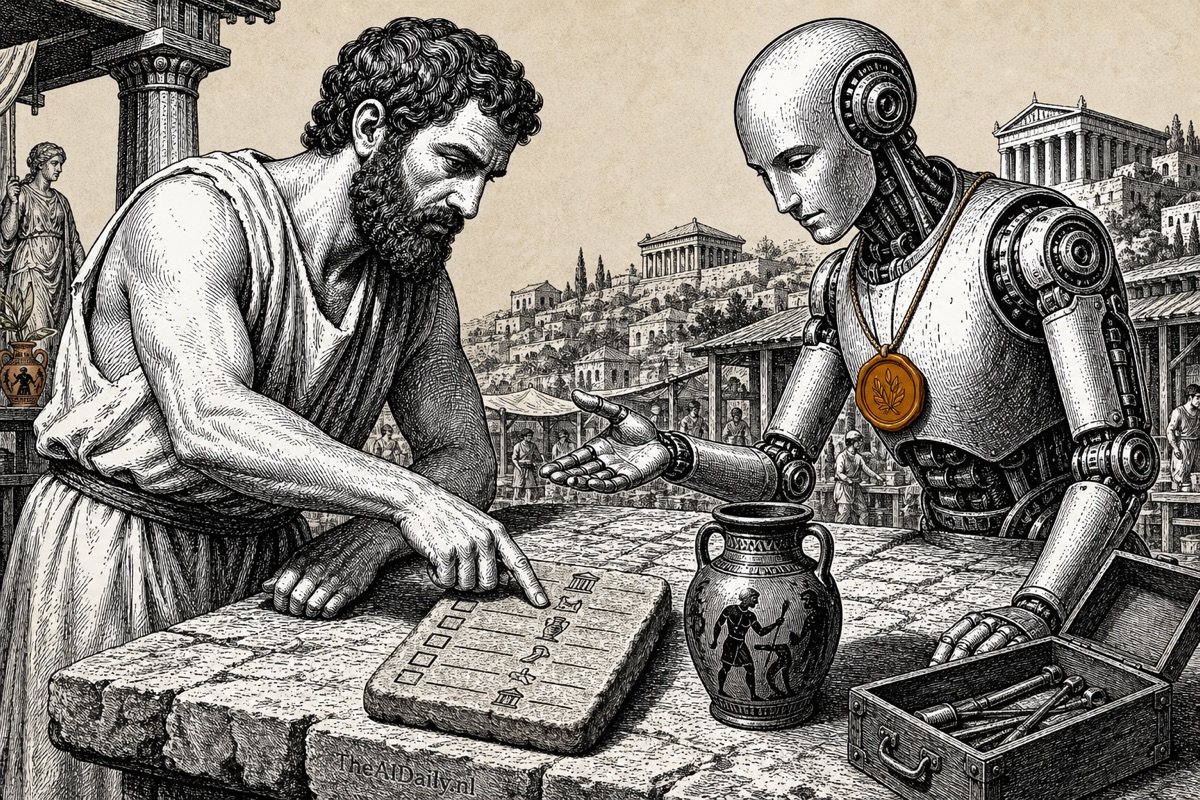
Think of it like buying a toolbox at a hardware store. The toolbox does not make anyone more skilled. Only when you know which job you need to do do you reach for the right tool. AI works exactly the same way.
According to TheAIDaily's AI workforce statistics, workers in AI-augmented roles see a 37% average productivity improvement compared to 12% from traditional automation. The gap comes not from access to better tools, but from having someone on the team who identifies the task before picking the tool.
Task selection works with three criteria. The task takes more than 30 minutes each time. The task recurs at least weekly. And the input and output are reasonably predictable: a standard email, a meeting summary, a first draft of a proposal. Our decision model for which work to give AI covers this in detail. The core: start with the work you most want to get rid of, not the feature that sounds most impressive.
Good first AI tasks for a team: summarizing meetings and extracting action points, answering standard emails based on a template, writing first drafts of proposals or bids, summarizing spreadsheet data into a readable overview, and routing and categorizing customer inquiries. All of them have clear input, predictable output, and a significant time cost when done manually.
Every AI task has an owner
In teams where AI does not stick, the same thing is almost always missing: ownership. Everyone is allowed to use it. Nobody is responsible.
This is not about an AI manager or a new job title. It is about the colleague who says "I'll handle the meeting notes" and commits to that for three weeks. That person builds the prompt template, tests it with real meetings, and documents what works and what does not.
Without an owner, knowledge evaporates. The colleague who wrote a smart prompt for customer service emails keeps it to themselves, not out of unwillingness but because there is no structure for sharing it. Each team member reinvents the wheel.
Consider this: if your team sends 20 proposals per month and each one takes 90 minutes to write, an owner who spends two weeks testing how Claude generates a first draft from a standard briefing potentially saves 15 hours per month. But only if that person shares the prompt template and brings colleagues along. Adding a business profile as context for your AI tool amplifies the effect: the owner sets this up once, and every team member gets the same background automatically.
What does an AI working session look like?
Fifteen minutes, every two weeks, fixed in the calendar. No workshop, no brainstorm, no external consultant. Three questions per session:
- What did you do with AI in the past two weeks that saved time?
- Where did you get stuck?
- Which prompt or approach do you want to share?
The value is in repetition. One session produces anecdotes. After six sessions, your team has a shared repertoire of AI applications that actually work. The colleague who figured out how Claude summarizes a meeting in three bullets shares that with the rest. The colleague who found that ChatGPT hallucinated on financial data warns the others before they make the same mistake.
Worth noting: a shared document or Slack channel with working prompts lowers the barrier further. A structured 30-day training plan speeds up the effect. But the working session alone delivers visible results. It is the lowest-cost, highest-return intervention available.
What do successful teams measure?
Not how often someone opened ChatGPT, but how long a specific task takes now compared to three months ago. Outcomes, not activity.
Federal Reserve research found that generative AI saves workers an average of 5.4% of their work hours, roughly 2.2 hours per week. That is essentially one full workday reclaimed per month. But as TheAIDaily reported, those saved hours often evaporate because nobody tracks where they go. Two in three employees who save time with AI receive no direction on what to do with those freed-up hours.
Three numbers per month are enough:
- How many hours does the AI process save per week? An estimate from the owner is sufficient.
- How often is the AI process actually used by the team?
- Are there any errors or problems to report?
A simple example: your team uses Claude to write proposals. The owner estimates the prompt template saves an average of one hour per proposal. At 20 proposals per month, that is 20 hours saved. At $50 per hour fully loaded, that is $1,000 per month, or $12,000 per year. For one AI process. Multiply that across three owners and three processes, and the business case writes itself.
Here is the thing: this is not about perfect data. It is about whether your team asks "does this actually work?" at all. Many organizations spend thousands of dollars per year on AI licenses without ever asking that question. These three numbers take five minutes per month to track. No dashboard required, a shared spreadsheet works fine.
What does it cost, and what does it return?
Most AI subscriptions run between $20 and $30 per person per month.
| Tool | Price per month | Strength |
|---|---|---|
| ChatGPT Plus | $20 | Broadly useful, web search, plugins |
| Claude Pro | $20 | Long documents, analysis, coding |
| Gemini Advanced | $20 | Google Workspace integration |
| Microsoft 365 Copilot | $30 | Word, Excel, Outlook, Teams |
For a team of five, the investment is roughly $100 to $150 per month, or $1,200 to $1,800 per year. Less than most businesses spend on office supplies.
The payback period depends on how concretely you define the saving. If each team member saves two hours per week on repetitive work, five employees at $50 per hour fully loaded over 48 work weeks equals $24,000 per year. Fifteen to twenty times the investment.
Account for the invisible costs too. In the first two weeks, AI integration costs time instead of saving it: testing prompts, checking output, adjusting workflows. That is normal. The investment pays back from week three or four once the process runs reliably. Teams that do not expect this learning curve quit exactly when the returns are about to kick in.
PwC found that sectors with high AI exposure are achieving productivity growth four times higher than sectors that lag behind. The difference is not the technology. It is the habits around it.
Gartner's May 2026 research adds a talent dimension: by 2027, 50% of enterprises without a people-centric AI strategy will lose their top AI talent to competitors who have one. The five habits above are not just about productivity. They are about keeping the people who understand how to use these tools.
What can you do with this starting Monday?
You do not need to do everything at once. Start with one step this week:
- Ask every colleague: which task took you the most time last week?
- Pick the three tasks that meet the criteria: more than 30 minutes, at least weekly, predictable input and output.
- Assign an owner per task who tests with AI for two weeks.
- Schedule the first 15-minute session in two weeks with the three working-session questions.
That is all. No project plan, no consulting engagement, no months of preparation. Four concrete actions you can take before 10am Monday.
Domain expertise matters more than AI literacy. You do not need to become a prompt engineer. You need to know which problem you are solving and have the discipline to keep going. These five habits are what separate a team that actually uses AI from a team that only talks about it.