Send a URL in Slack and your teammates watch, in real time, as Claude Code breaks down a pull request: annotations per file, a timeline of changes, the reasoning behind each design decision, all appearing on a webpage that updates itself as the agent works. Anthropic launched the feature on June 18 under the name Artifacts in Claude Code, available as a beta on Team and Enterprise plans. It's the first time an AI coding tool has turned the work it does into a living, shareable document.
Until now, every developer using Claude Code worked in their own private session. You shared results with a screenshot, a manual writeup, or a verbal update in standup. The session itself was a black box for everyone else. Artifacts removes that wall: the work Claude Code produces becomes visible to anyone you give access to.
For context: 73% of engineering teams now use AI coding tools daily, up from 41% in 2025, according to a 2026 developer survey. Claude Code has 71% adoption among developers who regularly use AI agents. At that scale, sharing AI output is a team problem, not a personal preference.
How do Artifacts work?
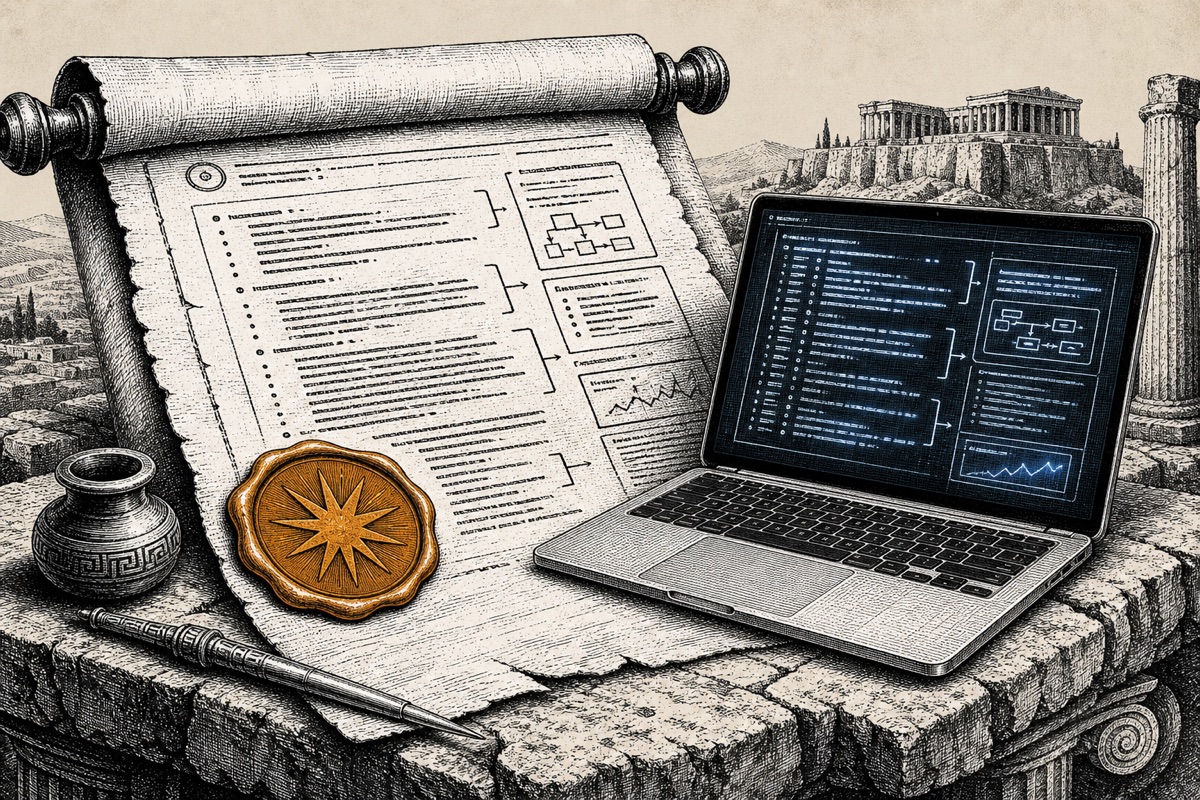
An artifact is a webpage Claude Code publishes from your session to a private URL on claude.ai. You open it in any browser, and the page updates in real time as the session progresses. Think of it as a Google Doc that writes itself while your AI agent is working.
Every time Claude Code updates the artifact, a new version appears at the same link. Version history is built in: you can restore any earlier point and compare. A gallery keeps track of all your previously created artifacts, so you can find them later without scrolling through chat history.
The artifact uses the full session context: codebase, connectors, conversation history. You don't have to manually wire anything together or set up a separate dashboard. Claude Code builds the page from everything it already knows about your project. That's the difference from an export function: you're not creating a snapshot, you're opening a window into a running process.
Five use cases you can try tomorrow
Anthropic documents a wide range of use cases, but here are the five that deliver the most immediate value for a typical development team:
PR walkthroughs. Have Claude Code analyze a pull request and publish the result as an artifact. Your reviewer opens the link and sees what changed per file, why, and where the risks are. No more recording a Loom video. No wall of text in the PR description.
Incident investigations. Here's a scenario that plays out frequently: an SRE starts an investigation just before standup. Claude Code works through logs, commits, and error messages, publishing an artifact with a timeline, the suspect commits, and a chart of error rates. By the time the team dials in, the whole picture is already there, and it grows as the investigation continues. What starts as a quick first scan ends as a complete postmortem with root cause, affected systems, and recovery actions, without anyone rewriting a document.
License audits. Claude Code scans your dependencies and publishes an overview of all licenses in use, flagging any copyleft licenses that need attention. Useful when your compliance team expects a report but doesn't want to look at a terminal.
Weekly ship reports. Have Claude Code summarize the merged pull requests from the past week into an artifact. Your project manager opens the link and sees what got shipped. Zero developer effort required.
Data flow mapping. Privacy officers can have Claude Code walk through a codebase to map where personal data flows through the system. The result is a visual map that's far more readable than a spreadsheet with columns like "data_type" and "processing_purpose."
What does it cost?
Artifacts are included with Claude Team and Claude Enterprise. No extra cost on top of your existing subscription.
| Plan | Price per user per month | Artifacts |
|---|---|---|
| Free | Free | No |
| Pro | $20 | No |
| Team | $25 (billed annually) | Yes (beta) |
| Enterprise | Custom | Yes (beta) |
Here's the thing: why not Pro? Artifacts is built for collaboration. As a solo developer, you need it less. The feature is aimed at teams already deploying Claude Code broadly who want to surface output to colleagues who don't work in the terminal.
For a five-person development team, the Team plan runs $125 per month. Scheduled agents and role management are included in that price.
Why this is more than a screenshot in Slack
The first reaction to Artifacts is usually: can't you just send a screenshot? Yes. But a screenshot is a dead snapshot the moment you hit send. Three things a screenshot can't do:
- Update itself. While Claude Code keeps working on the same task, the artifact updates at the same URL. No new screenshot needed, no "here's another update" in the channel.
- Version history. Every update is a new version. You can rewind to any earlier point and compare. A screenshot always starts over.
- Interactive. An artifact is a real webpage with tables, links, and navigation. A screenshot is a picture.
For teams that share AI output occasionally, screenshots work fine. But once you're using Claude Code daily and consistently sharing results with non-technical colleagues, the difference compounds. A project manager shouldn't have to ask "can you send another screenshot?" when the answer is already on a live page.
How it compares to existing tools
Artifacts isn't a direct replacement for any single tool, but it overlaps with the same underlying need: making AI work visible and shareable across a team.
| Tool | What it does | Difference from Artifacts |
|---|---|---|
| Loom | Screen recording | Manual recording, no live updates, no structured data |
| Notion or Confluence | Shared documentation | Written manually, not auto-populated from code |
| GitHub PR description | Text alongside a pull request | Static, no visual walkthrough, no version history outside the PR |
| Claude Code Artifacts | Live webpage from an AI session | Auto-generated, real-time updates, interactive |
The real competitor isn't Loom or Notion. It's the manual status report someone rewrites every week. If most of your team is already in Claude Code, the step to shared artifacts is a small one.
Privacy and GDPR considerations
Artifacts are private by default. Only you as the creator can see them. When you share, the artifact becomes visible to authenticated members of your organization, not the public. There's no option to make an artifact public.
For companies operating under GDPR, three things matter:
- No public URLs. Artifacts are only accessible to authenticated team members. No search indexing, no unauthorized access.
- Data processing agreement. If you already have a Claude Team or Enterprise subscription, Artifacts falls under your existing DPA with Anthropic. Check whether that agreement covers recently launched services.
- Code in the browser. An artifact can display fragments of your codebase. That's fine as long as only team members have access, but it's worth adding to your internal AI policy.
Research covered by TheAIDaily's shadow AI study found that nearly half of employees at small and mid-sized businesses had shared company data with a free AI tool, often without knowing what happened to it. A tool that enables collaboration within a secured organizational environment is a step in the other direction.
For teams that have already moved from "do we use AI?" to "how do we govern our AI output?", Artifacts gives you a structure that stays inside your walls.
What you can do with this on Monday
If your team already has a Claude Team or Enterprise subscription, you can activate Artifacts today. The feature is in your organization's beta settings.
Start small. Have Claude Code analyze your next pull request and publish the result as an artifact. Send the link to your reviewer. Within five minutes you'll know whether this fits your team's workflow.
Not yet using Claude Code as a team? This is a good moment to evaluate the Team plan. The combination of Artifacts, scheduled agents, and the Microsoft 365 integration makes Claude increasingly practical for organizations looking to embed AI as a platform the whole team runs on, not as a separate tool each person uses in isolation.