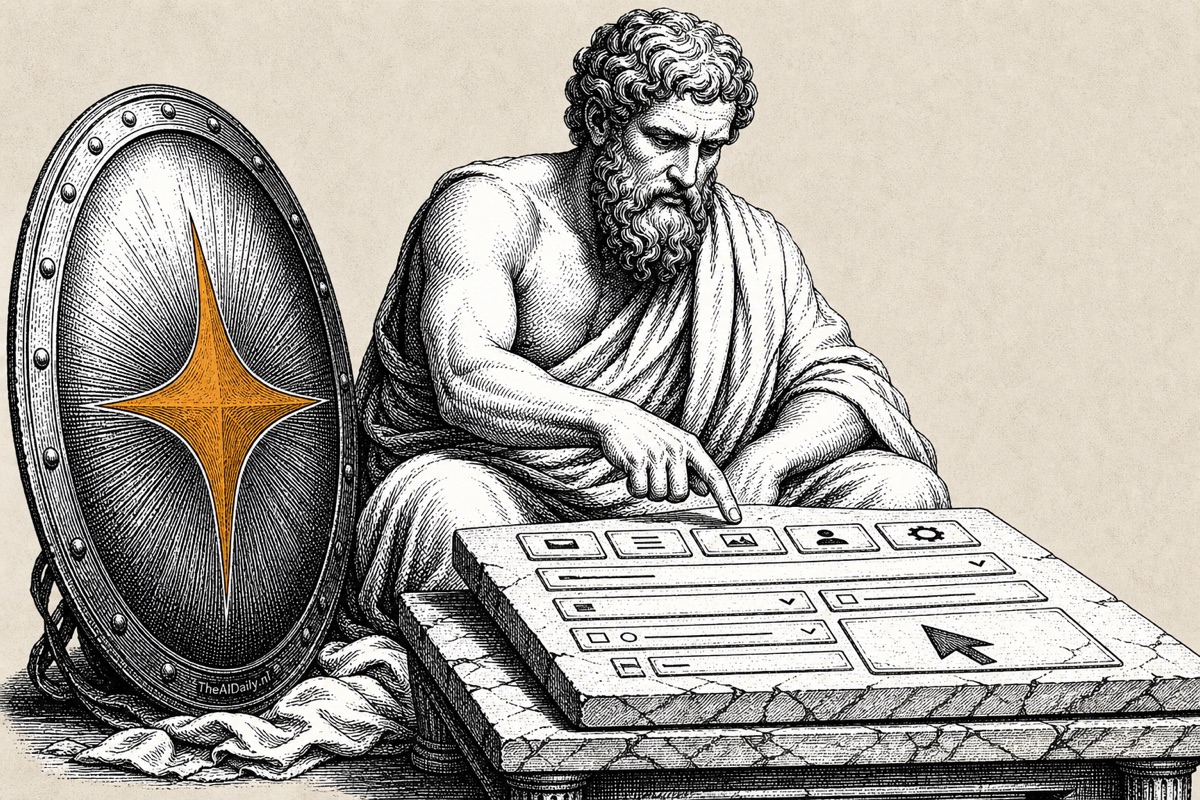
Google's cheapest AI model can now operate your computer. Since Tuesday, Gemini 3.5 Flash clicks buttons, navigates websites, fills out forms, and searches Google, all in a single session. No other model currently does this out of the box: screen control, web search, and Maps navigation combined in one API call, at $1.50 per million input tokens.
For businesses automating repetitive screen tasks, this is the cheapest entry point available right now.
What can Gemini do on your screen?
The model works in a screenshot-action loop: it takes a screenshot, analyzes what's visible, then sends mouse and keyboard instructions back. It works across browsers, desktop apps, and mobile interfaces.
Gemini isn't the first AI with screen control. Anthropic launched Claude Computer Use in October 2025, and OpenAI has comparable capabilities. But Google did something others haven't: it put screen control, Search, and Maps in the same model. So instead of looking up a company number in one model and pasting it into your accounting software via another, a single Gemini agent handles the whole sequence. No model switching, no extra API calls.
Why does one model doing everything matter?
Until now, developers building screen-control agents had to chain multiple models: one for screen interaction, one for web search, sometimes a third for interpreting results. Each switch adds tokens, latency, and failure points.
Google consolidated those three capabilities into a single API call. Think of it like the difference between opening three separate apps to complete one task versus handling everything in one window. The agent doesn't shift between "look mode," "search mode," and "act mode." It just works.
For a developer building an automation like "find this company, open their website, fill out this form," that compression can turn a week-long integration project into an afternoon.
What does screen control actually cost?
Gemini 3.5 Flash costs $1.50 per million input tokens and $9.00 per million output tokens. That's roughly three times cheaper than GPT-5.5 and ten times cheaper than Claude Opus 4.8.
| Model | Input (per 1M tokens) | Output (per 1M tokens) | Screen control |
|---|---|---|---|
| Gemini 3.5 Flash | $1.50 | $9.00 | Built-in |
| Claude Sonnet 4.6 | $3.00 | $15.00 | Built-in |
| GPT-5.5 | $5.00 | $15.00 | Via API |
| Claude Opus 4.8 | $15.00 | $75.00 | Built-in |
Worth noting: all prices are in USD. European businesses pay roughly 20% more at current exchange rates. The gap becomes significant as soon as you run an agent all day. A workflow filling 100 forms daily at GPT-5.5 rates can cost several hundred dollars per month more than the same workflow on Gemini 3.5 Flash. Full specs and updated pricing are in the model tracker.
How do the benchmarks stack up?
On OSWorld-Verified, the standard benchmark for computer-use agents running tasks across Ubuntu, Windows, and macOS, Gemini 3.5 Flash scores 78.4 out of 100. That places it third among the four models with public screen-control scores, behind GPT-5.5 (78.7) and Claude Opus 4.8 (83.4). Claude Fable 5 currently leads the full leaderboard at 85.0.
| Model | OSWorld-Verified score | Input price (per 1M tokens) |
|---|---|---|
| Claude Fable 5 | 85.0 | N/A |
| Claude Opus 4.8 | 83.4 | $15.00 |
| GPT-5.5 | 78.7 | $5.00 |
| Gemini 3.5 Flash | 78.4 | $1.50 |
| GPT-5.4 mini | 72.1 | $3.00 |
One thing worth keeping in mind: as of June 2026, all OSWorld-Verified scores are self-reported. No independent third party has verified them yet.
The price-performance ratio stands out regardless. Claude Opus 4.8 scores about 6% higher but costs ten times as much. For tasks where 95% accuracy is sufficient, filling standard forms or running regression tests on a web app, Gemini 3.5 Flash delivers that at a fraction of the price.
What goes wrong in practice?
Screen control via AI is fragile. The screenshot-action loop breaks on unexpected pop-ups, CAPTCHAs, and dynamically loading pages.
Developers on Hacker News report mixed results. Several note that Gemini gives up on complex tasks and follows instructions less reliably than Claude. "The model threw its digital hands up and quit," wrote one developer trying to extract tables from PDFs. Others point to the price as reason enough to experiment, even when it's imperfect.
Google acknowledges the risks. The model ships with two optional safeguards: a confirmation step for sensitive actions like deleting files, and automatic task termination when it detects a prompt injection. Both are off by default, so you need to enable them intentionally.
The honest summary: it handles simple, predictable workflows reliably. Filling the same five forms every day, running a fixed click path through your web app, testing a repeatable UI flow. For complex tasks where the interface changes, human oversight is still necessary.
What this means for your team
Screen control AI is moving faster than most businesses realize. McKinsey runs 25,000 internal AI agents. Across Europe, the OECD reported in 2025 that 41% of EU firms had adopted at least one AI tool for process automation, with that adoption rising fastest in logistics and professional services.
AI is shifting from talking to doing. Microsoft Copilot now runs tasks in the background. Claude handles tasks in Slack like a digital teammate. Gemini adds screen control: the AI that doesn't just answer questions but also clicks.
For context: all three major AI platforms are investing in the same direction, agents that don't just produce text but take actions in your existing software. Within a year, this capability will be embedded in products you already use, from Google Workspace to Microsoft 365.
For businesses with repetitive screen tasks, data entry, report consolidation, daily dashboard checks, the question is no longer whether AI can take that over. It's when it becomes reliable enough for your specific workflow.
What you can do this week
If you have a developer on your team, they can test the Gemini 3.5 Flash API today through the Gemini Developer API. Google provides a demo environment via Browserbase and a reference implementation on GitHub, so you can test screen control without building your own infrastructure first.
No developer? The useful action is different but equally valuable. Map which screen tasks in your business are repetitive and predictable: retyping data between two systems, filling the same forms every day, checking the same dashboards. Those are your first automation candidates once this technology is production-ready.
At $1.50 per million tokens for the cheapest option, the cost floor is lower than most organizations expect. The technology in API-stage today is comparable to where chatbots were three years ago. It's moving into consumer products faster than most companies are prepared for. The organizations that already know which tasks they want to automate will have a head start of months when it arrives.