Anthropic's engineering team now writes less than half its own production code. The rest, 65%, comes from Claude, tagged in an internal Slack channel. Yesterday, Anthropic made that same tool available to paying customers: Claude Tag puts a persistent AI teammate inside your Slack channels, works tasks through to completion in shared threads, and flags what the team keeps forgetting. It's live in beta for Enterprise and Team customers.
How does Claude Tag actually work?
You type @Claude in any Slack channel with a plain-language task. Claude breaks it into steps, works through them one by one in a thread your whole team can read, and delivers the result. It runs asynchronously: while you're in a meeting or focused elsewhere, Claude keeps going. It can run for hours or even days on a single task, switching between steps on its own.
Here's the thing: this isn't a chatbot that answers questions. Claude Tag acts. The model gets access to whatever tools and data sources your admin enables, internal databases, code repositories, documentation, project management tools. It can analyze a support ticket, pull a report, review code, or isolate a bug and propose a fix. The difference from Claude Code is that you don't need a terminal or IDE. You write a message in Slack.
“Claude Code, Cowork, and chat are very much single-player. Claude Tag is built to be interactive and multiplayer.”
Cat Wu, Head of Product at Anthropic for Claude Code and Cowork
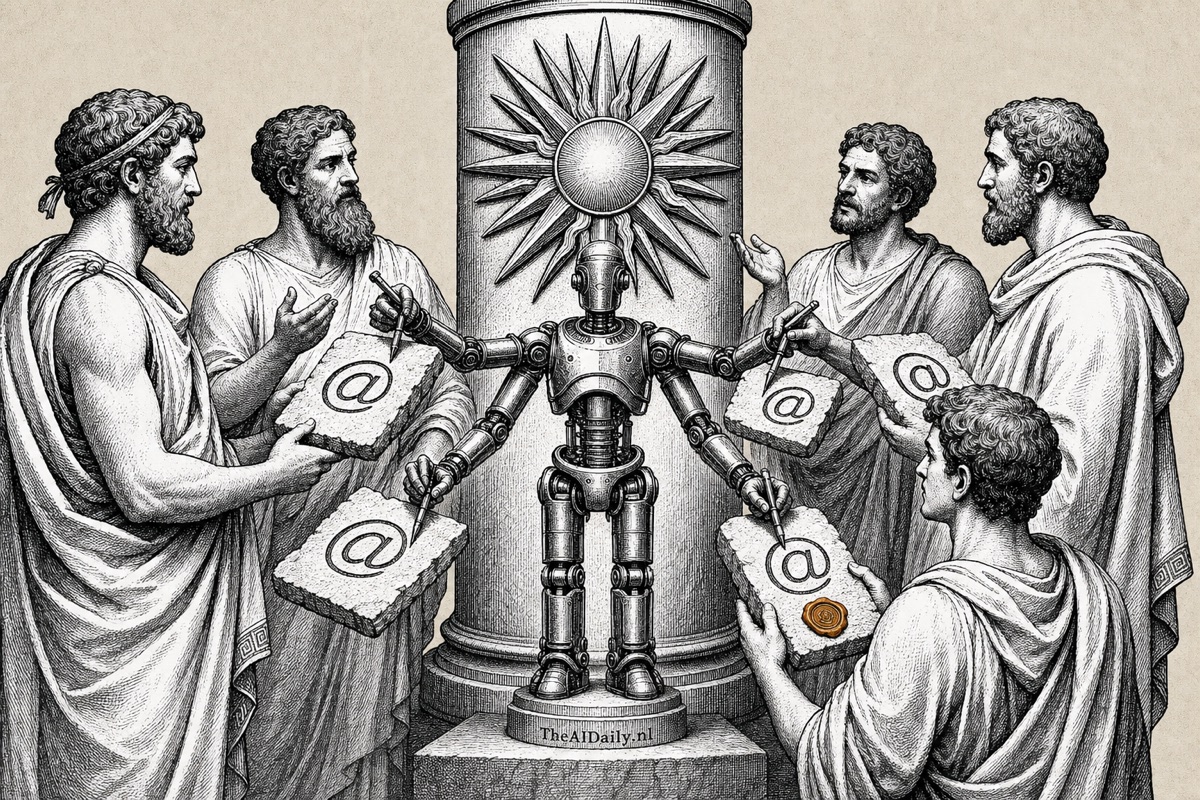
That multiplayer dimension is what sets Claude Tag apart from anything Anthropic has shipped before. Multiple teammates can redirect, take over, or refine the output inside the same thread. Someone who joins mid-task sees exactly what Claude has already done and can pick up from there. Each channel gets a shared Claude memory: everyone works with the same AI teammate that remembers every prior conversation. You can hand off half-finished work. You start an analysis in the morning, a colleague adjusts it after lunch, Claude delivers the result at end of day.
What can it handle in practice?
Claude Tag runs on Opus 4.8, Anthropic's most capable model. In practice that means writing and reviewing code, analyzing product data, processing support tickets, and investigating complex bugs. But teams use it well beyond engineering. Product managers use it to pull together project updates; analysts run competitive research; support leads summarize customer feedback; HR teams keep onboarding docs current.
For context, think of a new colleague who arrives on day one already knowing everything discussed in your Slack channels over the past month. Carries all the context, never forgets a prior decision, and is just as sharp at 3 am as at 10 am.
One feature stands out: ambient mode. Enable it, and Claude monitors channel conversations on its own, surfacing what's drifting toward forgotten. A customer question unanswered for three days. A task agreed in a thread that nobody picked up. Claude surfaces it without being asked. According to Anthropic, this is the most-requested feature among their own employees, not the task execution, but the memory that stops things from slipping through.
Why that 65% number matters
Anthropic has been running Claude Tag internally for months. The result: 65% of production code now comes from the model. Not autocomplete. Not suggestions. Claude Tag evaluates code changes, applies them, and delivers the output in a Slack thread.
That figure fits a broader shift. According to Ramp's May 2026 AI Index, Anthropic has overtaken OpenAI in enterprise adoption in the United States: 34.4% of businesses use Anthropic products, versus 32.3% for OpenAI. A year ago, that would have seemed implausible. Anthropic now serves over 300,000 business customers; large-account numbers have grown nearly 7x in the past year; more than 500 customers spend over $1 million annually; and eight of the Fortune 10 are Claude customers.
AI agent deployment is growing fast across industries. Enterprises are deploying 467% more AI agents than a year ago, according to Capgemini research. McKinsey runs 25,000 of its own AI agents internally. Gartner forecasts that by the end of 2026, 40% of all enterprise applications will include AI agents. Claude Tag is a bet that the natural home for those agents isn't a dedicated app, it's the communication platform where decisions already happen.
How do security and control work?
An AI that reads your company channels raises obvious questions. Who decides what Claude can see?
Anthropic addresses this with scoped identities: each Claude instance gets a bounded identity for a specific use case, with its own memory and its own access rights. In practice, the Claude your HR team uses shares no information with the Claude running in your engineering channel. Admins set which tools, which data, and which memories Claude can access per channel.
“If you're working with particularly sensitive data, like personnel records, you can also just DM Claude Tag,” says Cat Wu. What you discuss in a direct message stays out of the channel.
Token usage is configurable per channel and per organization, and all activity is fully logged. That last point matters for organizations operating under the EU AI Act: Article 50 transparency requirements take effect on August 2, 2026. For high-risk AI systems, Article 13 additionally requires that the system provides enough information for meaningful human oversight. A complete activity log, covering who gave Claude which task and what the model did, makes that documentation concrete rather than theoretical. Teams already working on AI governance policies will find the audit trail a direct input to their documentation obligations.
What does it cost, and who gets access?
Claude Tag is available in beta for Claude Enterprise and Claude Team customers. A Team plan costs $30 per user per month (approximately €28). Enterprise pricing is custom. Anthropic is offering introductory credits at activation to reduce the cost of switching.
Worth noting: if you're on a Pro plan ($20/month), you don't get access yet. Pro is an individual subscription that doesn't include the team management features Claude Tag requires. Anthropic hasn't announced a wider rollout date.
For a team of ten on a Team plan, the monthly bill is $300. Compare that to the cost of a junior hire: even at the low end, you're looking at $3,000 to $4,000 per month in fully-loaded employment cost in most European markets. If Claude Tag saves your team even four hours a week on routine work, the math works out. According to data from TheAIDaily's AI Workforce Statistics, AI tools deliver an average productivity value of around $11,600 per knowledge worker per year when properly integrated. The caveat is "properly integrated": most teams capture 30 to 60% of that potential in practice.
How does it compare to Microsoft Copilot Cowork?
Last week, Microsoft launched Copilot Cowork, an agent that handles tasks while your laptop is closed. The pitch sounds similar. The difference is in platform and approach.
Copilot Cowork runs inside the Microsoft 365 ecosystem and focuses on Office tasks: analysis in Excel, reports in Word, presentations in PowerPoint. Claude Tag lives in Slack, the platform where most teams handle their daily coordination. That's not a trivial distinction: Slack is where decisions get made and where daily alignment happens, not where documents get formatted.
Where Copilot Cowork is solo, Claude Tag is multiplayer: your whole team can steer within the same thread. Claude Tag also builds context about your organization over time. The longer it reads your channels, the better it understands your abbreviations, project names, and team structure. Copilot Cowork starts fresh with each task.
It doesn't have to be either/or. Claude has been available as an alternative model inside Microsoft 365 Copilot since June 16. A team can run Claude Tag in Slack for communication-layer work and Claude inside M365 for document work. Two AI teammates, each in the right environment.
What can you do with this today?
If you have a Claude Enterprise or Team plan, you can activate Claude Tag in your Slack workspace now. Start with one bounded channel, give it a clear task, and review the result in the thread before you act on it. Anthropic recommends starting with tasks you'd normally handle yourself in an hour: a code review, a summary of customer feedback, an analysis of support tickets. Review the first few outputs carefully. Like any new colleague, you build trust through collaboration, not blind delegation.
No Enterprise or Team plan yet? This is the moment to run the numbers. Don't ask whether your team needs AI. Ask how many tasks your team handles each day that an AI teammate could take off the list. Answering support questions. Reviewing code. Assembling reports. Cleaning data. These are exactly the tasks that drain energy without requiring deep judgment.
The workplace is shifting from "AI as a tool you open" to "AI as a colleague already inside your workflow." Claude Tag is the most concrete version of that shift so far: no separate window, no context switch. Just @Claude in the channel where your team already works.